SEO audit any website, right in Chrome
Seonio turns Chrome into an SEO audit tool. One click scans the page you're on and gives you a full on-page audit in seconds.
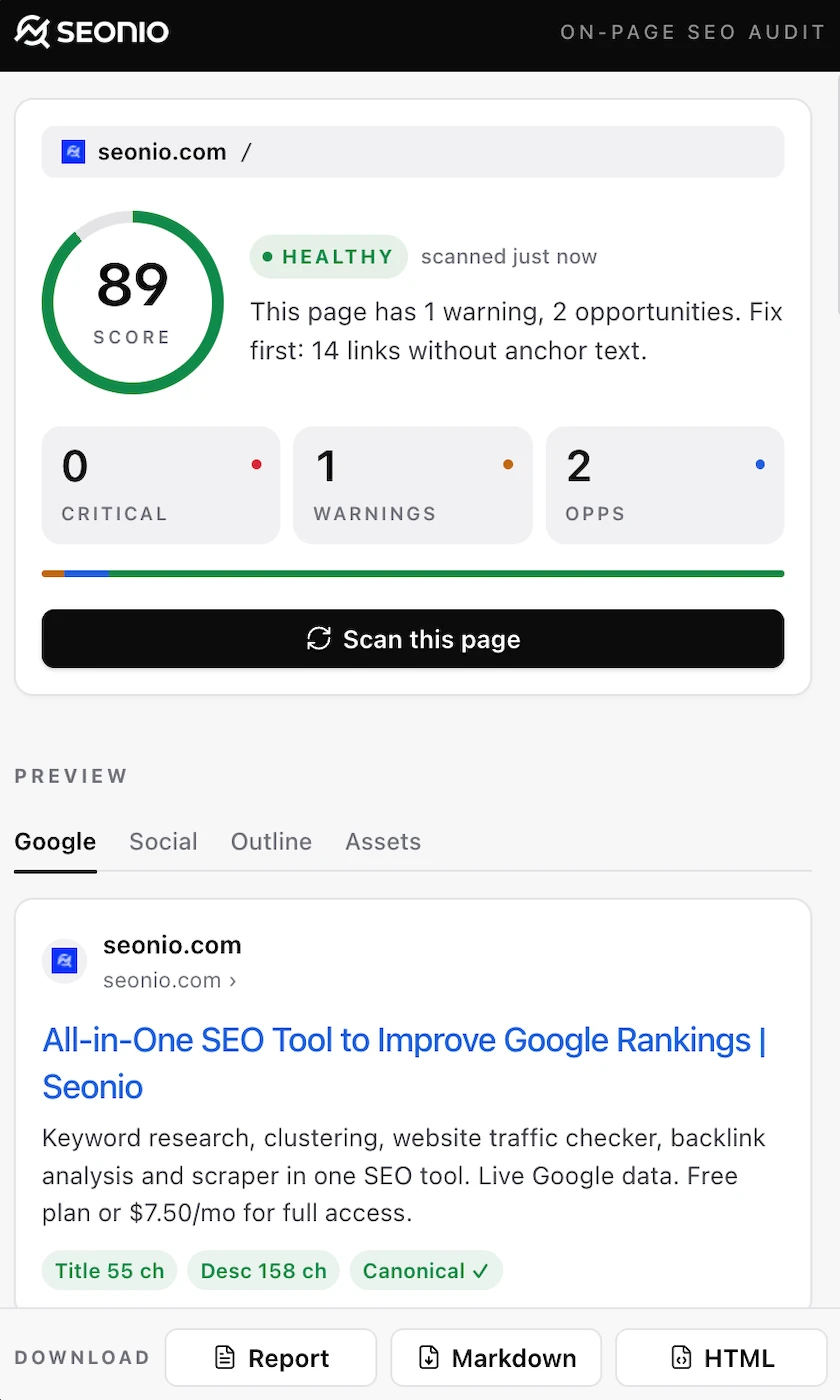
Private, fast and free
Everything runs in the tab you scan, with a one-line fix for every issue.
A clean side panel that stays out of your way
Overview, assets and previews, one tab each. Click a screenshot to view it full size.
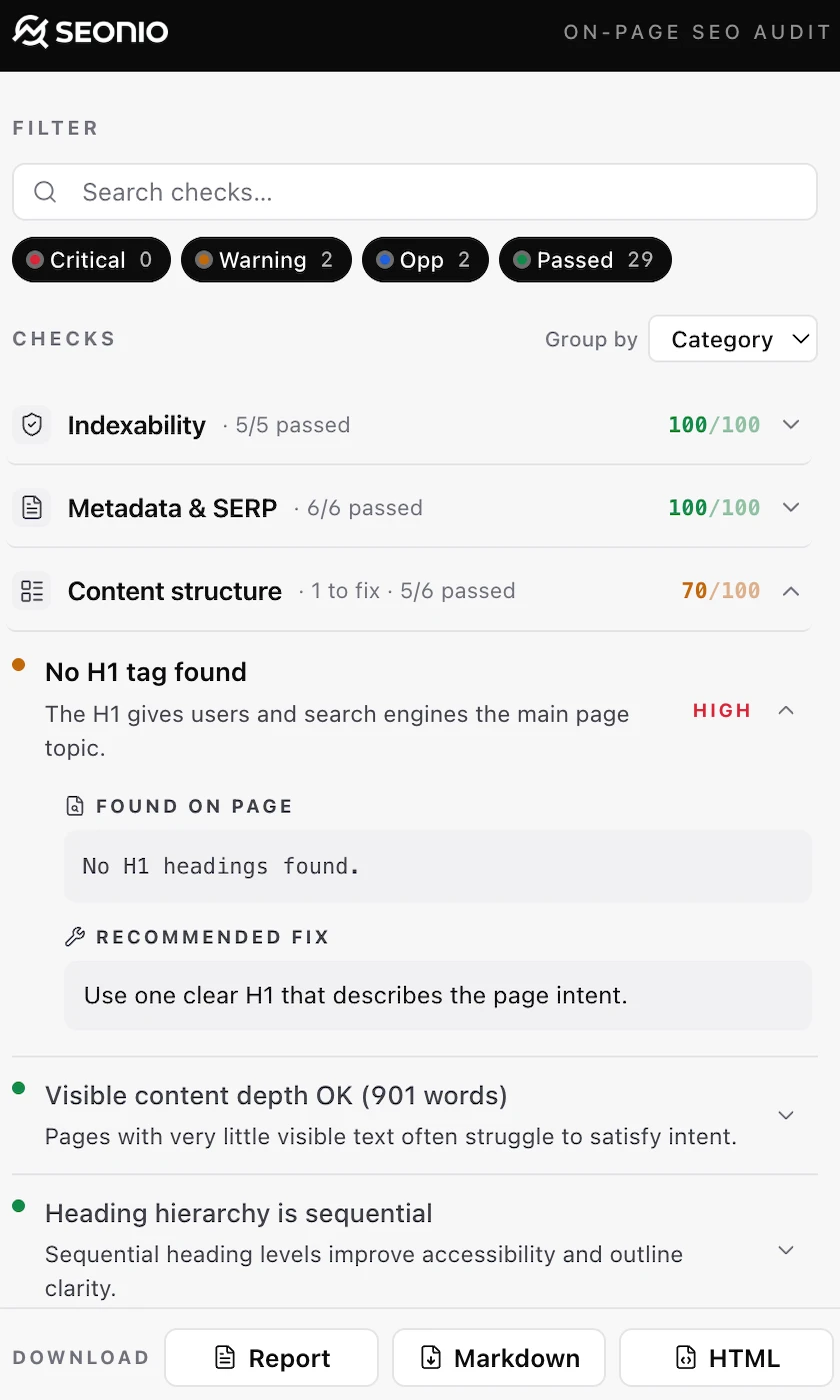
Overview
Score, severity breakdown, six categories at a glance.
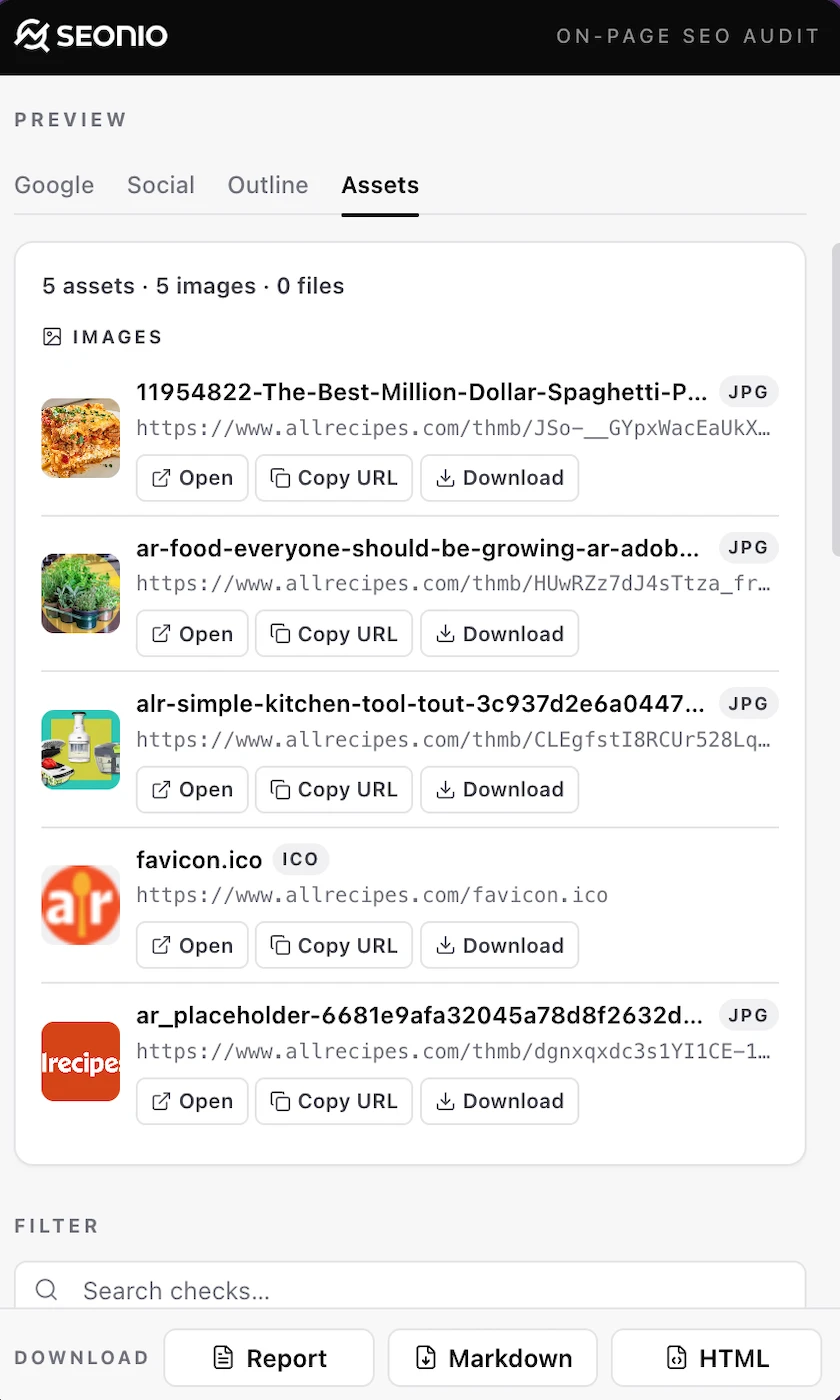
Assets finder
Every image, font and script on the page — copy, download, preview.
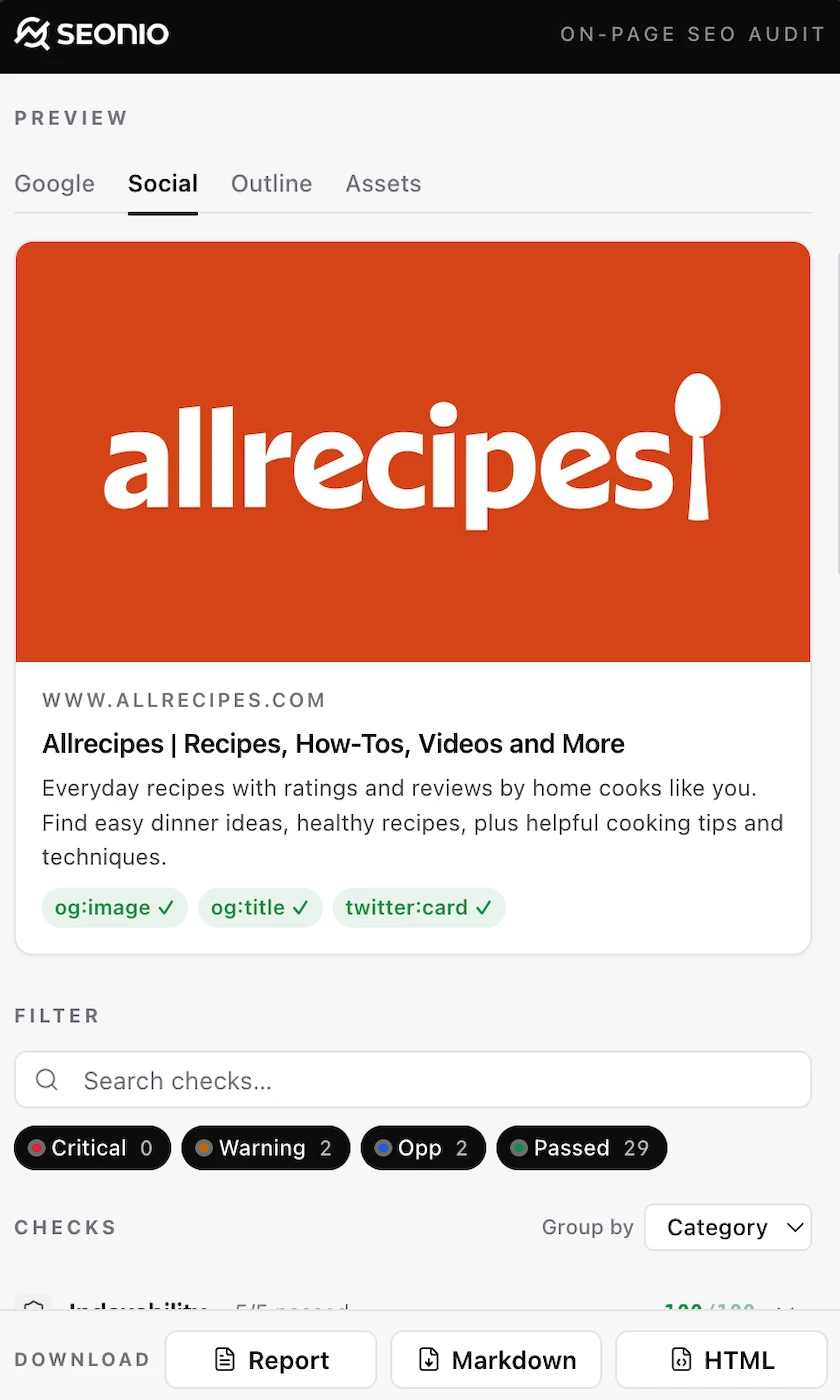
SERP & social previews
See how Google, Twitter and Open Graph will render the page.
Six categories, one audit
Everything Seonio inspects on a page, grouped so the most important fixes surface first. The same categories apply whether you paste a URL into the SEO page checker or scan a tab with the extension.
Indexability
Will Google index this page?
Robots directives, canonical tags, HTTPS and hreflang. The signals search engines check first.
Metadata & SERP
How the page appears in search
Title, meta description, language, URL quality and favicon, with a live Google SERP preview.
Content structure
Headings, hierarchy & top terms
H1–H6 hierarchy, duplicate or missing H1s, thin-content warnings and the page’s top terms.
Links & images
Internal links & image alt text
Internal vs external links, anchor quality, broken anchors and missing image alt text.
Schema & social
Structured data & share previews
Open Graph, Twitter Cards and JSON-LD schema, with social card previews side-by-side.
Technical signals
Doctype, charset, viewport, DOM
The foundational signals that make a page render and crawl correctly across devices.
Three clicks from install to insight
No account and no setup.
Install
Add Seonio from the Chrome Web Store in one click.
Open the side panel
Open any page, public or private, and click the Seonio icon.
Scan
A scored, grouped audit with HTML evidence and a one-line fix per issue.
The minimum permissions, no tracking
The extension only sees the tab you actively scan, and only when you click the button.
Built on Manifest V3
Every scan runs in your browser. No external APIs, no telemetry, no backend.
- Zero network calls during a scan, verifiable in DevTools
- No tracking, no analytics
- No account required
Permissions
activeTab- Read the page you’re currently viewing
scripting- Inject the data collector into the active tab
sidePanel- Render the audit UI in Chrome’s side panel
tabs- Detect the URL of the active tab
storage- Remember your last scan locally
Audit any page in seconds
Add the extension for one-click audits on every tab: public, private, staging or localhost. Or check a public URL without installing anything.
Keep checking for free
Speed tests, traffic rankings, keyword trends and the SEO wiki. No account needed.
Top Websites
Browse traffic rankings and see which sites lead a market.
Open toolTop Keywords
See what people search for, ranked by volume.
Open toolTrending Keywords
Discover what's rising before it peaks.
Open toolSite Page Speed Test
Speed test any URL and see what slows it down.
Open toolSEO Page Checker
Analyze on-page SEO for any URL.
Open toolSEO Wiki
SEO terms, simply explained.
Open wikiTurn search insights into measurable growth
Start your SEO research in seconds.