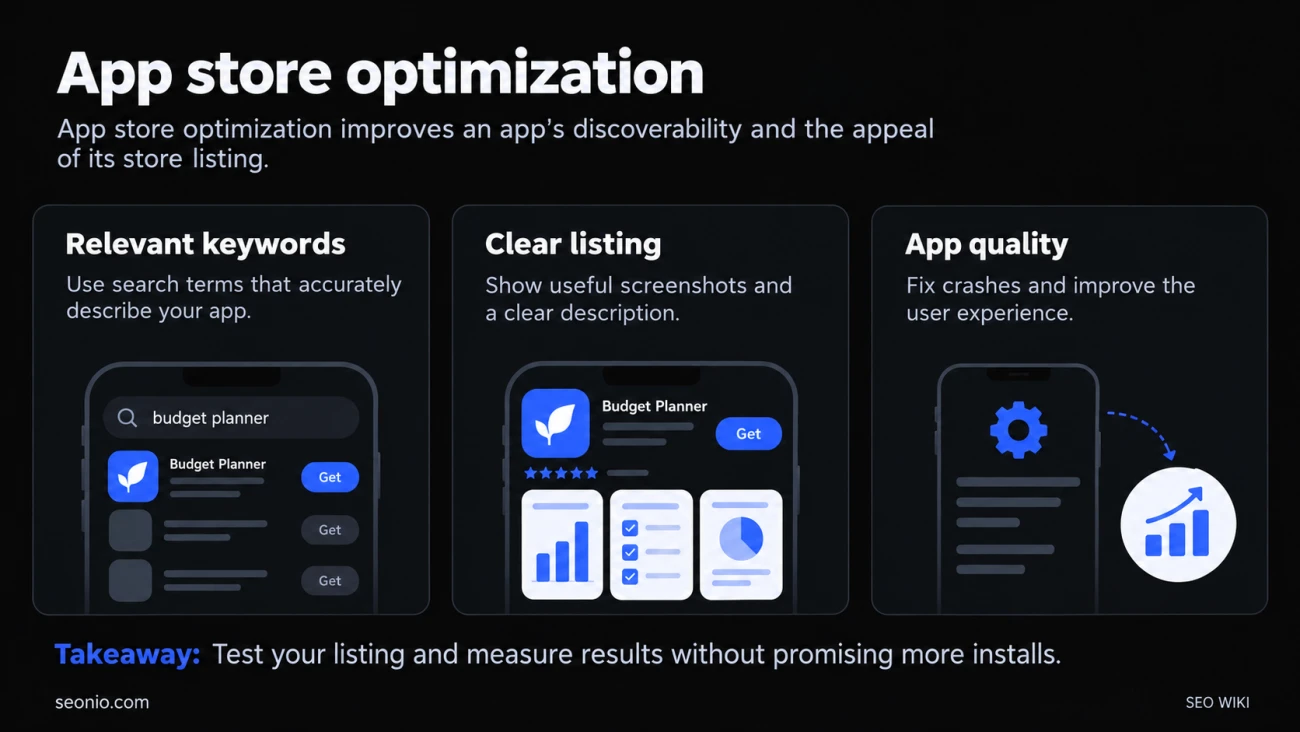
App store optimization (ASO) is SEO for app stores. It has two halves. The first is being found: showing up when people search the Apple App Store or Google Play, and in the stores' browse lists. The second is converting: making the product page persuade the people who see it to install. Work on one without the other and you waste it.
Apple says its search results depend on text relevance (matches in your app's title, subtitle, keywords and primary category) and on user behavior, such as downloads and ratings and reviews. Apple Developer Google Play also uses your listing text to help people discover your app, and it weighs your app's technical quality (more on that below).
The fields that count in each store
The two stores read different fields, so a listing copied from one to the other leaves rankings on the table.
| Field | App Store | Google Play |
|---|---|---|
| Name | Up to 30 characters | Up to 30 characters |
| Second line | Subtitle, up to 30 characters | Short description, up to 80 characters |
| Hidden keywords | Keyword field, 100 characters (100 bytes in App Store Connect), commas and no spaces | None |
| Long description | Not among Apple's listed search factors; write it for people | Up to 4,000 characters; Google suggests SEO best practices here |
| Promotional text | Up to 170 characters; doesn't affect search ranking | None |
The practical difference: on Apple, your search terms go into the name, subtitle and keyword field, and the description is there to sell. On Google Play, the description itself helps people discover the app, so the words people search for should appear in it, naturally. Play Console Help
Choosing keywords
Start from the words people type, not the words in your pitch. Someone looking for a budgeting app searches "budget planner" or "expense tracker", not your tagline. A keyword research tool that shows search demand helps you choose, but so does reading competitors' titles and your own reviews.
Weigh demand against competition. Apple puts it plainly: popular, functional terms can bring a lot of traffic but are highly competitive, especially for newer or smaller apps, while less common terms bring less traffic with less competition.
For Apple's keyword field:
- Don't repeat words already in your name, subtitle or category.
- Skip plurals of words you already have, generic words like "app", and filler like "the".
- Separate terms with commas and no spaces, and use the full 100 characters. Apple's guide says characters; App Store Connect's reference counts 100 bytes, so accented or non-Latin letters use the limit up sooner.
On both stores, keep it honest. Google Play's policy bans repetitive or unrelated keywords and claims about store performance such as "#1" or "App of the year". Play Console Help
If you sell in several countries, write a listing per language. Google Play machine-translates listings you don't provide, but recommends human translation of the description for better discoverability. Check local search terms too: a direct translation of your keyword isn't always what people there type.
Turning views into installs
Your icon, name, subtitle and first screenshots already show in the search results, before anyone opens your page, so they do most of the persuading.
- Screenshots. Apple lets you show up to 10, and the first one to three appear in search results when there's no app preview. Make those first ones show what the app does, not your logo.
- App previews and videos. Apple allows up to three previews of up to 30 seconds. They autoplay without sound, so the first seconds have to work silently.
- Ratings and reviews. On Apple they appear in search results and can influence ranking. You can prompt for a rating up to three times in a 365-day period, so ask after a good moment, such as a finished task. Reply to critical reviews; other people read the replies.
Then test instead of guessing. Apple's product page optimization shows alternative icons, screenshots and previews to a share of visitors, and custom product pages give you separate versions with their own URLs for campaigns. Google Play's store listing experiments test the icon, feature graphic and screenshots, and descriptions in localized experiments. Change one thing at a time, as with any A/B test, and judge by installs, not taps.
Say a meditation app tests two first screenshots: one shows the app's home screen, the other a single line, "Fall asleep in 10 minutes", over a calm image. Whichever wins on installs becomes the default. That's conversion rate optimization applied to a store page.
On Google Play, quality affects visibility
Google Play tracks technical quality through Android vitals. If 1.09% or more of daily users hit a crash, or 0.47% or more hit an "app not responding" freeze, your app crosses Google's bad behavior threshold and is likely to be less discoverable on Google Play. Play Console Help Fixing crashes can be ASO work too.
ASO and SEO
Both start from what people search for and both reward a page that answers it. The differences are the fields: an app listing has a few short, strictly limited fields, and the product page's job is a single action, the install. Your website can help both: a strong web page about your app can rank in Google for searches that the store never sees.