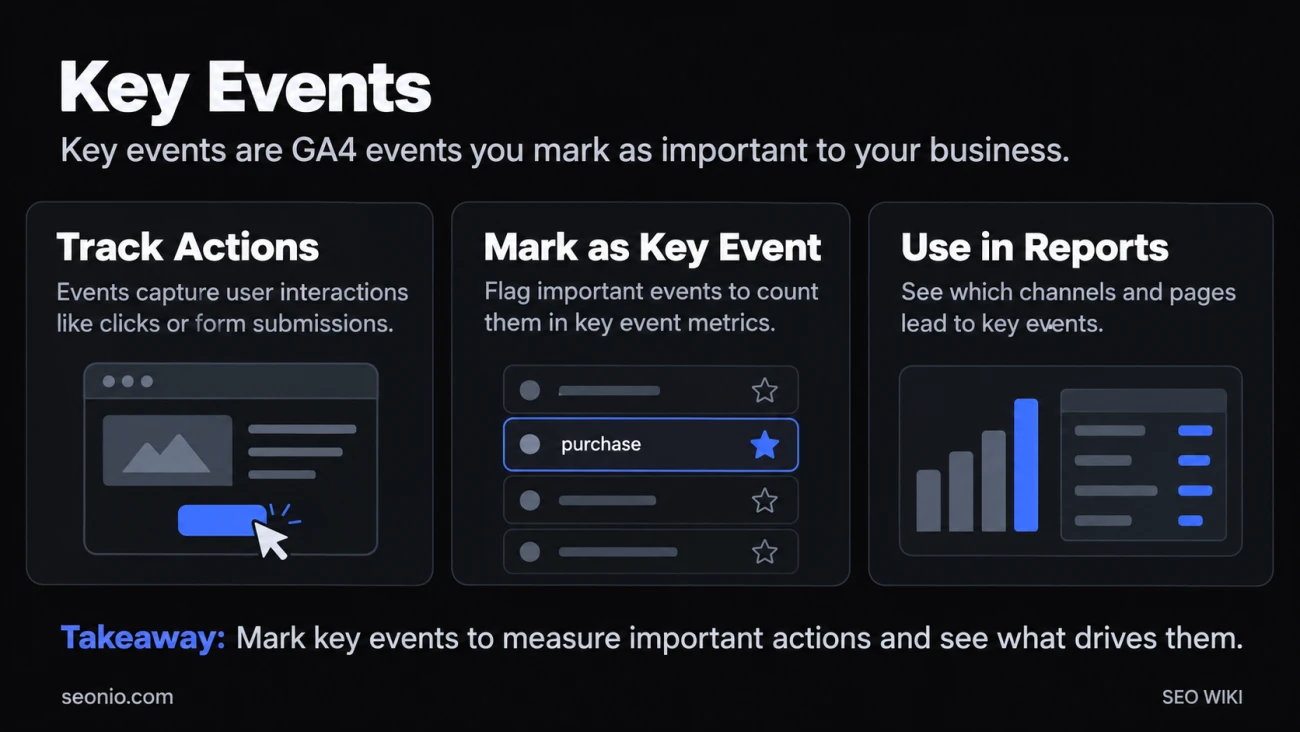
In Google Analytics 4, an event is any interaction you collect: a page view, a click, a scroll, a form submission. A key event is an event you've flagged as particularly important to your business, such as a purchase or a submitted lead form. The flag doesn't change how the event is collected. It tells Google Analytics to count the event in its key event metrics, so you can see which channels and pages lead people to those actions.
Google describes the path as Event → Key event → Conversion. Every key event starts as an ordinary event, and a key event becomes a conversion only when you use it in Google Ads.
Why GA4 renamed conversions to key events
On March 27, 2024, Google renamed Analytics conversions to key events. Before that, Analytics and Google Ads both had "conversions" but measured them differently, so the two products showed different numbers. Now the words mean different things: Google Analytics Help
- A key event is an important action, measured in Analytics, for understanding behavior across all channels.
- A conversion is an action you use to measure ad campaigns and steer bidding, shared between Analytics and Google Ads.
Your old conversion data didn't disappear. It now shows as key event data, so year-over-year comparisons still work.
How to mark an event as a key event
Google's help page says you need the Marketer role or above on the property, but its steps for starring an existing event ask for Editor or above. If you don't see the star, ask for Editor. Google Analytics Help
- In Admin, under Data display, click Events.
- For an event Analytics already receives, click the star next to it.
- For an event that hasn't arrived yet, click Create event, enter its name and turn on Mark as key event. Analytics treats it as a key event from the first time it's collected.
Keep these limits in mind:
- Count. A standard property can have up to 30 key events; an Analytics 360 property up to 50.
- Defaults.
purchaseis a key event by default, along with a few app events such asfirst_open. If you turn on ads personalization with a linked Google Ads account, events such asadd_to_cartandbegin_checkoutare marked too. - No backfill. Marking an event changes reports from that moment on. Past events stay ordinary events.
- Delay. Allow up to 24 hours before the key event shows in standard reports. Realtime reports update within minutes.
To stop counting a key event, click the star again. Data you've already collected stays in your reports as key events.
Which events to mark
Mark actions that show someone did what the page is for, and keep the list short so the reports stay readable. Good candidates:
- A lead form sent (
generate_lead) or a thank-you page reached. - A purchase or a booking.
- A sign-up or a trial started.
- A download of a price list or a brochure.
Engagement can count too, when it truly matters. Google's own example is a lead-generation page where scrolling to 90% means the visitor has read the page and seen the sign-up form; there, marking the scroll event as a key event makes sense. For bidding in Google Ads, though, Google suggests the stronger signal, generate_lead, because it fires only when the form is actually sent.
Set up the events you need with event tracking before a launch or a campaign, since key events aren't counted retroactively.
Where to see key event data
Many standard reports, such as Landing page and User acquisition, have a Key events column. Open the All events menu above the column and choose one key event to see just that one. The Session key event rate shows what share of sessions included a key event, which is a handy conversion rate by channel, organic search included.
For more detail, build an exploration using the Key events and Session key event rate metrics.
Key events and Google Ads conversions
To bid toward a key event in Google Ads, create a conversion from it. You need a linked Google Ads account.
| Key event | Conversion | |
|---|---|---|
| What it's for | Understanding behavior and channels | Measuring ads and steering bids |
| Where you create it | Google Analytics | From a key event, shared with Google Ads |
| Where you see it | Reports and Explore | Google Ads, and the Advertising section of Analytics |
The two counts can differ even for the same action. Conversions are attributed per event and can use data-driven attribution across ad touchpoints, while the key event figures in Reports serve traffic and journey analysis. So if a conversion is missing from your Analytics reports, look in the Advertising section: Google Ads conversions don't appear in Reports or Explore.