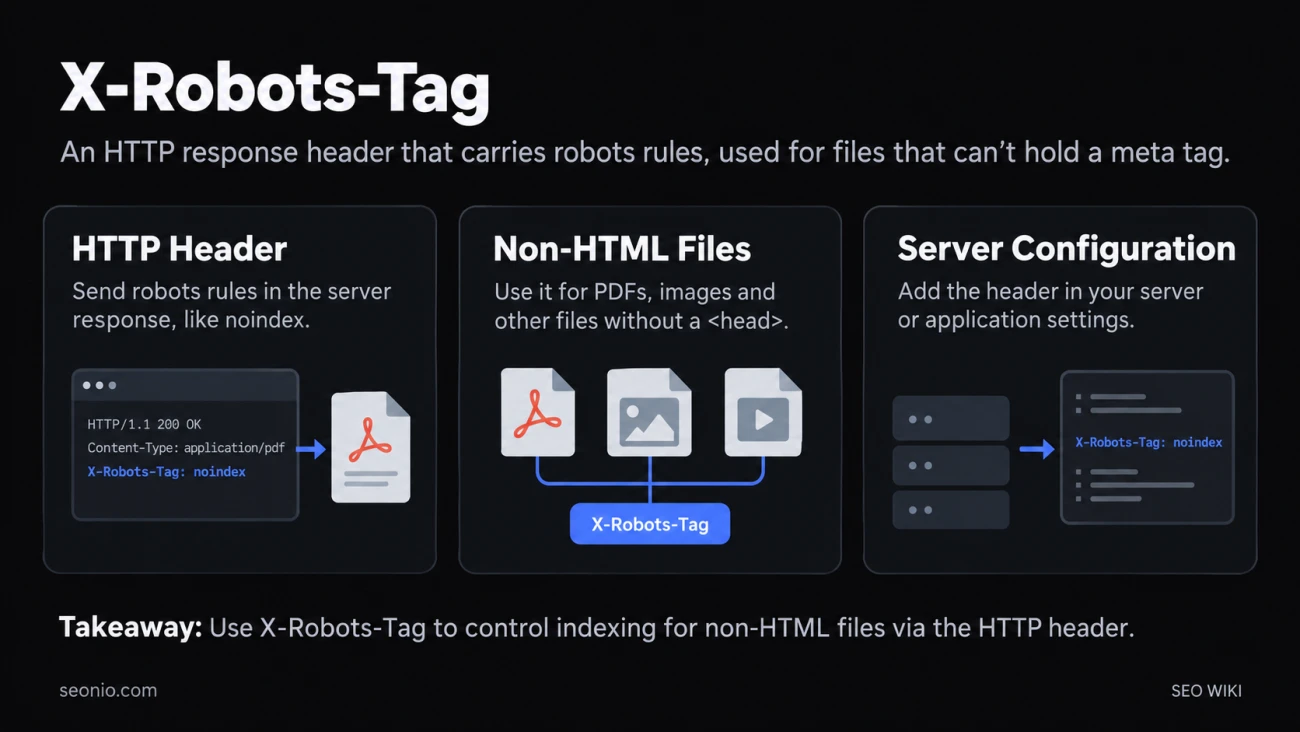
Think of X-Robots-Tag as the robots meta tag moved out of the page and into the server's response. It takes the same rules, such as noindex, and because every file the server sends has response headers, it works for PDFs and images as well as HTML Google Search Central. Here's a response that keeps a PDF out of search results:
HTTP/1.1 200 OK
Content-Type: application/pdf
X-Robots-Tag: noindex
Google and Bing both read it, and anything you can put in a robots meta tag you can send this way.
When to use the header instead of the meta tag
Use X-Robots-Tag when a meta tag can't do the job:
- Files that aren't HTML. PDFs, images, videos and documents have no
<head>to hold a meta tag. The header is the only way tonoindexthem. - Rules for many URLs at once. One line of server configuration can cover every PDF on the site, or a whole folder.
- Pages you can't edit. If templates are hard to change but the server config isn't, the header gets the rule in place.
| Robots meta tag | X-Robots-Tag | |
|---|---|---|
| Where it lives | In the HTML <head> |
In the HTTP response headers |
| Works for | HTML pages | Any file type |
| Set by | Editing the page or your CMS | Server or application configuration |
| Rules | The same set | The same set |
For an ordinary HTML page, the meta tag is usually simpler. More on the rule itself: noindex.
The rules you can send
Google supports these rules in the header Google Search Central:
| Rule | What it does |
|---|---|
noindex |
Keeps the URL out of search results |
nofollow |
Asks Google not to follow links in the resource; see nofollow |
none |
Same as noindex, nofollow |
nosnippet |
No text snippet or video preview; also keeps the content out of AI Overviews and AI Mode as direct input |
max-snippet: [number] |
Caps the snippet at that many characters |
max-image-preview: [none, standard, large] |
Sets the largest image preview allowed |
max-video-preview: [number] |
Caps video previews at that many seconds |
noimageindex |
Keeps images on the page out of the index |
indexifembedded |
With noindex, still allows indexing when the content is embedded in another page, for example through an iframe |
notranslate |
No offer to translate the result |
unavailable_after: [date] |
Drops the URL from results after that date and time |
The date for unavailable_after must be in a widely used format such as RFC 822, RFC 850 or ISO 8601. Google no longer uses noarchive, nocache or nositelinkssearchbox. Bing still reads noarchive and nocache, and now also uses them to limit what Copilot shows from the page and whether the content trains Microsoft's AI models Bing Webmaster Tools.
How to set it on Apache and NGINX
You add the header in your server configuration. To keep every PDF on the site out of search results, Google gives these examples. On Apache, in .htaccess or httpd.conf (see .htaccess):
<Files ~ "\.pdf$">
  Header set X-Robots-Tag "noindex, nofollow"
</Files>
On NGINX, in the site's .conf file:
location ~* \.pdf$ {
  add_header X-Robots-Tag "noindex, nofollow";
}
Many CMSs and frameworks can also set response headers in application code, which helps when you can't touch the server.
Combining rules and targeting one crawler
You can send several headers, or list rules separated by commas:
X-Robots-Tag: noimageindex
X-Robots-Tag: unavailable_after: 25 Jun 2030 15:00:00 PST
To aim a rule at one search engine, put its crawler's name first. Rules without a name apply to all crawlers:
X-Robots-Tag: googlebot: nofollow
X-Robots-Tag: bingbot: noindex
When rules conflict, Google applies the more restrictive one: with both max-snippet:50 and nosnippet, nosnippet wins. Rules for different crawlers add up, so a general nofollow plus a googlebot: noindex means Googlebot treats the URL as noindex, nofollow. The same goes when a page has both the header and a meta tag: conflicting rules resolve to the more restrictive one.
Mistakes that stop it working
- Blocking the URL in robots.txt. Google only sees the header when it crawls the URL. If robots.txt blocks the URL, the
noindexis never read, and the URL can still show up in results if other sites link to it. - Putting
noindexin robots.txt. Google stopped supporting that on September 1, 2019 Google Search Central Blog. Use the header or the meta tag. - Using it to save crawl budget. It doesn't. Google still requests a
noindexURL and only then drops it, so crawling time is spent anyway. To stop crawling, use robots.txt instead; see crawl budget. - Leaving a staging rule on at launch. A sitewide
noindexheader set on a test server can travel with the configuration to the live site. Check headers after every launch or migration.
How to check the header
- In a terminal:
curl -I https://example.com/file.pdfprints the response headers. - In your browser: open developer tools, go to the Network tab, select the request and look under Response Headers.
- In Search Console: URL Inspection's "Indexing allowed?" line shows whether Google found a
noindex, and you can test the live URL. If robots.txt blocks the URL, it always says "Yes", because Google can't see the rule.
A new noindex takes effect only after Google recrawls the URL, which can take months for pages it rarely visits. To speed it up, request a recrawl with URL Inspection.